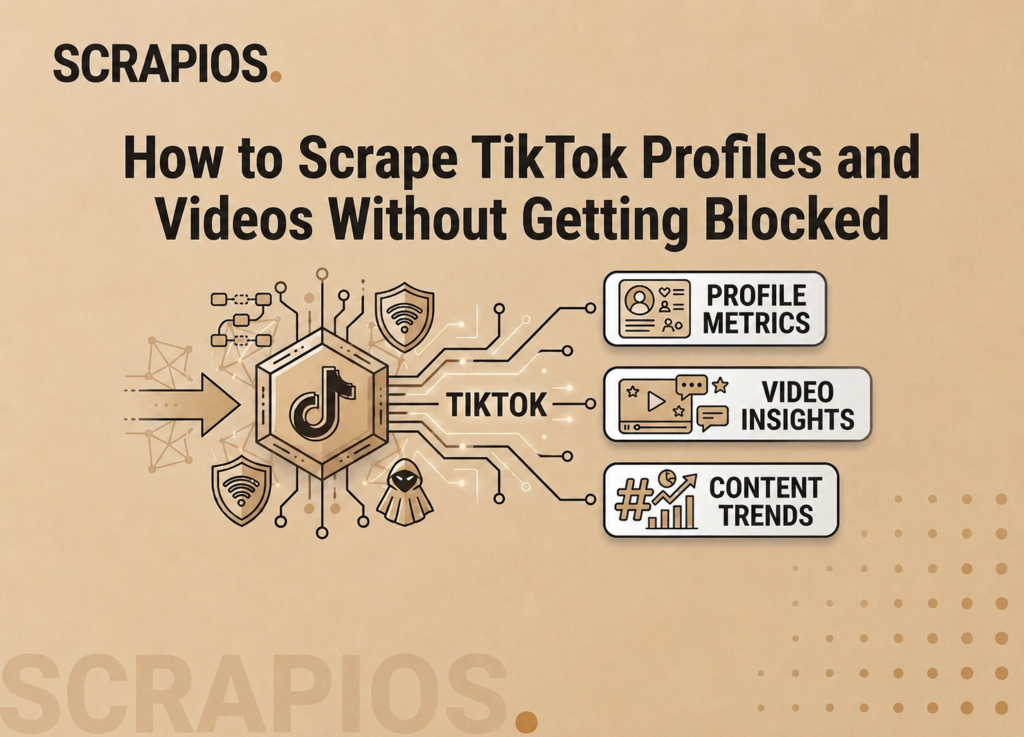
TikTok data is some of the most valuable social media intelligence available right now. Follower growth rates, video performance metrics, comment sentiment, hashtag reach — it all feeds into influencer vetting, trend analysis, and competitive research. The problem is TikTok’s API is severely restricted, and unofficial scraping is aggressively blocked.

This guide shows you what it takes to scrape TikTok — and why most developers end up using an API instead.

The Challenge With TikTok Scraping

TikTok uses multiple layers of bot detection:

What Data Is Available

TikTok has several distinct data types you can extract:

Data type Fields
Profile Username, followers, following, likes, bio, verified status
Videos Views, likes, comments, shares, duration, captions, hashtags
Comments Text, author, likes, reply count, timestamp
Hashtag feed Top videos for a given hashtag, post count

The Manual Approach

Step 1 — Install Playwright

pip install playwright
playwright install chromium

Step 2 — Launch a browser session

from playwright.async_api import async_playwright
import asyncio, json

async def scrape_profile(username):
    async with async_playwright() as p:
        browser = await p.chromium.launch(headless=False)
        context = await browser.new_context(
            user_agent="Mozilla/5.0 (iPhone; CPU iPhone OS 17_0...)",
            viewport={"width": 390, "height": 844},
        )
        page = await context.new_page()
        await page.goto(f"https://www.tiktok.com/@{username}")
        await page.wait_for_timeout(3000)

        # Extract follower count
        followers = await page.locator('[data-e2e="followers-count"]').text_content()
        print(f"@{username}: {followers} followers")
        await browser.close()

asyncio.run(scrape_profile("nasa"))

Step 3 — Handle the inevitable blocks

TikTok detects Playwright within a few requests even with headless=False. Getting past this requires:

Maintaining all of this as TikTok updates its bot detection every few weeks is a full-time job.

The Easier Way — Scrapios

Scrapios maintains a TikTok scraper that keeps up with their anti-bot updates automatically. Here’s how to pull a profile:

1. Get your API key free at app.scrapios.com

2. Submit the job

curl -X POST https://api.scrapios.com/api/v1/ext/jobs 
  -H "X-API-Key: scr_live_YOUR_KEY" 
  -H "Content-Type: application/json" 
  -d '{
    "url": "https://www.tiktok.com/@nasa",
    "catalog_scraper_id": 4,
    "catalog_version_id": 12
  }'

3. Get the result

{
  "status": "completed",
  "result": {
    "preview_data": [{
      "username": "nasa",
      "display_name": "NASA",
      "followers": 9300000,
      "following": 12,
      "likes": 87400000,
      "video_count": 241,
      "bio": "Explore the universe and discover our home planet...",
      "verified": true,
      "avatar_url": "https://..."
    }]
  }
}

Influencer Research Workflow

Here’s a real workflow used by marketing teams:

  1. Build a list of 100–500 TikTok handles in your niche
  2. Batch-submit jobs to pull follower counts and recent video metrics
  3. Calculate engagement rate: (likes + comments) / followers × 100
  4. Filter for accounts with engagement rate > 5% and followers 10k–500k (the sweet spot for micro-influencers)
  5. Re-scrape weekly to track growth trends

With 500 free credits/month, you can monitor up to 50 profiles weekly at no cost.

Start scraping TikTok for free

500 credits/month free. No credit card. Results in under 30 seconds.

Try Scrapios free →